Ready-made templates
Begin with two-, three-, or four-photo grids, Social Story, Magazine Mix, Poster Mood, or Creator Grid layouts.
 Pixemon
Turn the photos you love into one memorable composition. Pixemon helps you make collages for best friends, birthdays, travel highlights, social posts, gifts, and print—right in your browser.
Free to use. No account required. Normal photo editing happens in your browser.
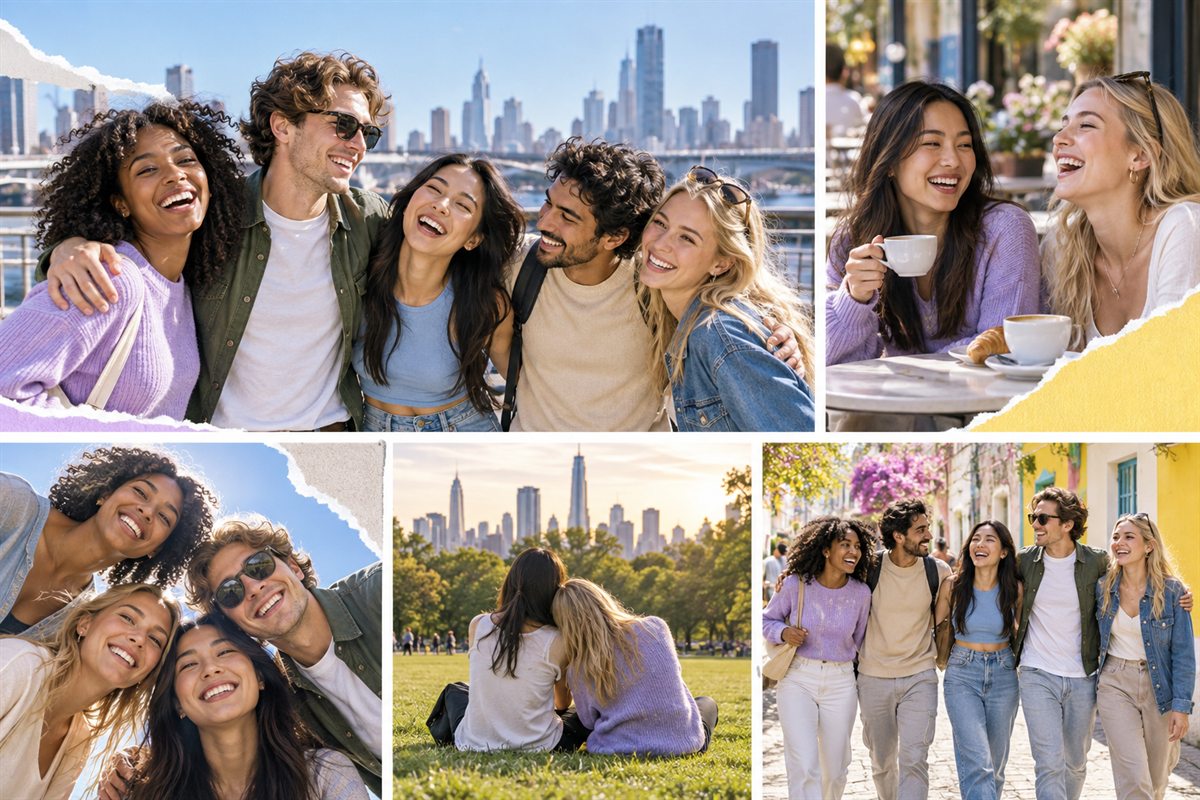
Use a ready-made design when you want a fast result, or create a custom arrangement when every photo needs its own size, position, and angle.
Begin with two-, three-, or four-photo grids, Social Story, Magazine Mix, Poster Mood, or Creator Grid layouts.
Build a personal layout with individual image boxes. Control each box's position, width, height, and rotation.
Adjust photos, add text or decorative borders, remove or replace backgrounds, and prepare the result for saving or printing.
Combine selfies, group photos, and favorite memories into a personal keepsake.
Explore friendship collage ideasTurn party photos, favorite memories, cake, and candid moments into a birthday gift or print.
Make a birthday photo collageBuild a tall travel, lifestyle, event, or creator collage for sharing from your phone.
Create a Story collageThe editor includes simple grids and expressive portrait layouts. Built-in designs can also be edited or duplicated when you want to personalize the arrangement.
Yes. The collage maker can be used in the browser without creating an account.
Yes. The custom collage builder lets you add image boxes and set their position, width, height, and rotation. Save the arrangement to reuse it in the same browser.
Yes. Pixemon includes 8×10 and 8×12 designs, layout previews, and high-quality image export. Always confirm your printer's paper size and scaling options before the final print.
Normal photo editing is performed in the browser. See the Pixemon privacy policy for details about local files, browser storage, hosting, and third-party services.
Choose a template for a quick start, or build a collage that is completely your own.