Best-friend highlights
Choose one main portrait and surround it with small moments that show your shared jokes, places, and traditions.
 Pixemon
Combine group pictures, spontaneous selfies, trips, cafe catch-ups, and everyday fun. Use a balanced template for a quick result or build a layout that matches your own story.
Free to use. No account required. Normal photo editing runs in your browser.
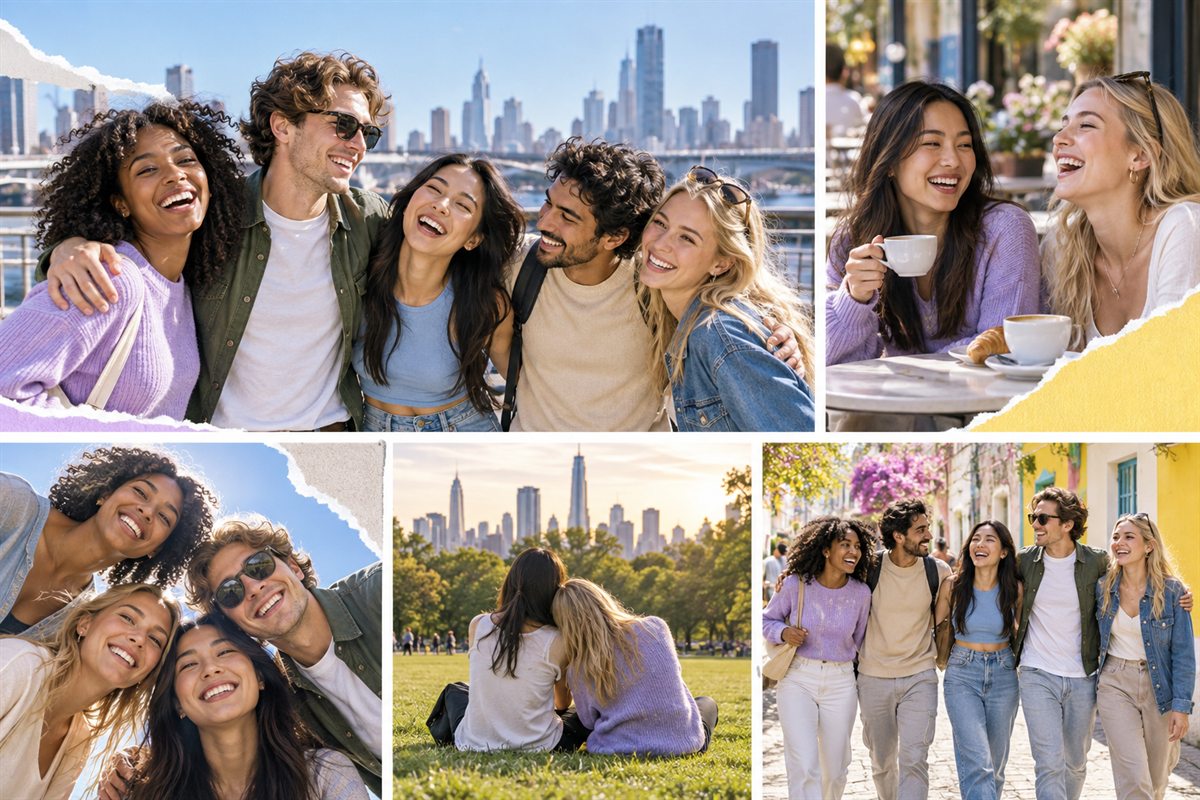
Choose one main portrait and surround it with small moments that show your shared jokes, places, and traditions.
Bring orientation, events, clubs, festivals, and graduation pictures into a single keepsake for the group.
Mix a group photo with locations, meals, tickets, and candid details to tell the story of the day.
Yes. You can open the Pixemon editor and create a collage without an account.
Yes. The custom collage builder gives every photo box its own position, width, height, and rotation controls.
Creator Grid fits seven photos, while Poster Mood fits six. A custom layout is useful when everyone needs equal space.
Start with the six-photo Poster Mood layout, then replace each slot with one of your shared memories.