A day in four moments
Open with a scene-setting view, follow with small details, and finish with a portrait or memorable final moment.
 Pixemon
Fit several travel, lifestyle, event, or creator photos into one tall composition. Pixemon's Social Story template gives five photos a clear visual rhythm without forcing them into identical boxes.
Free to use. No account required. Normal photo editing runs in your browser.
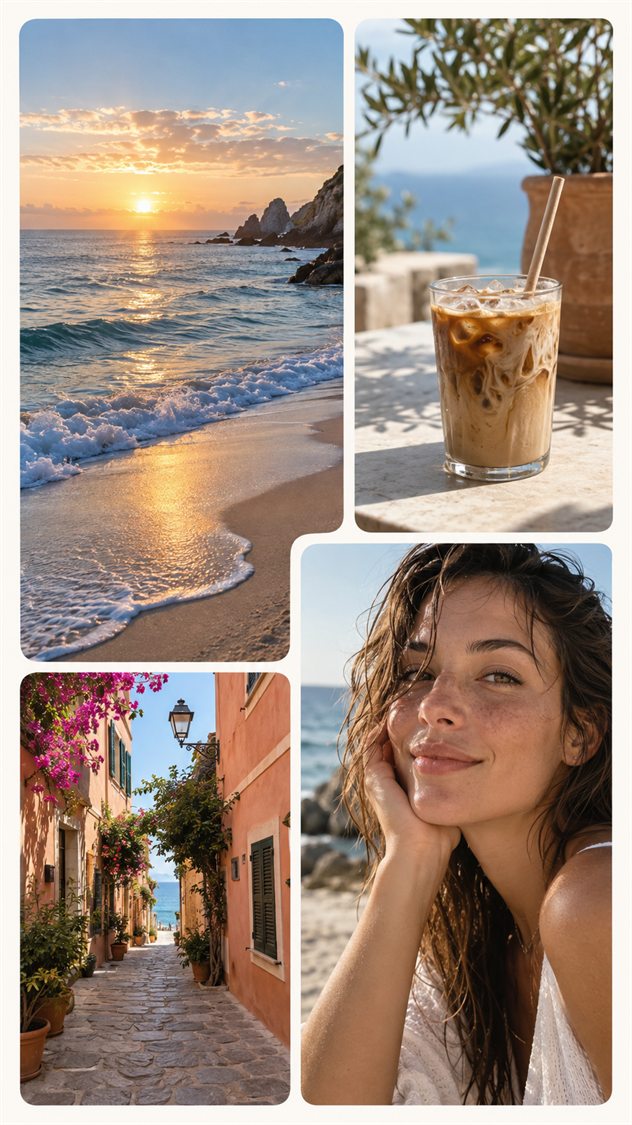
Open with a scene-setting view, follow with small details, and finish with a portrait or memorable final moment.
Mix a landscape, food or drink, architecture, and people so the Story communicates more than a location alone.
Combine product details, colors, textures, and portraits in one vertical composition before posting a campaign or collection.
Yes. Pixemon includes a free Social Story layout and does not require an account.
The built-in Social Story design contains five photo slots. The custom collage builder can be used when you want fewer or more photos.
No. Pixemon creates and saves the collage image; you choose when and where to upload it.
Open the portrait template, fill each slot, and export the complete collage from your browser.