Tell the story over time
Mix one early photo with recent moments. A clear timeline makes the collage meaningful even to people who were not present for every memory.
 Pixemon
Bring party pictures, childhood photos, selfies, and small details together in one personal birthday design. Start with a ready-made portrait layout or arrange every photo box yourself.
Free to use. No account required. Normal photo editing runs in your browser.
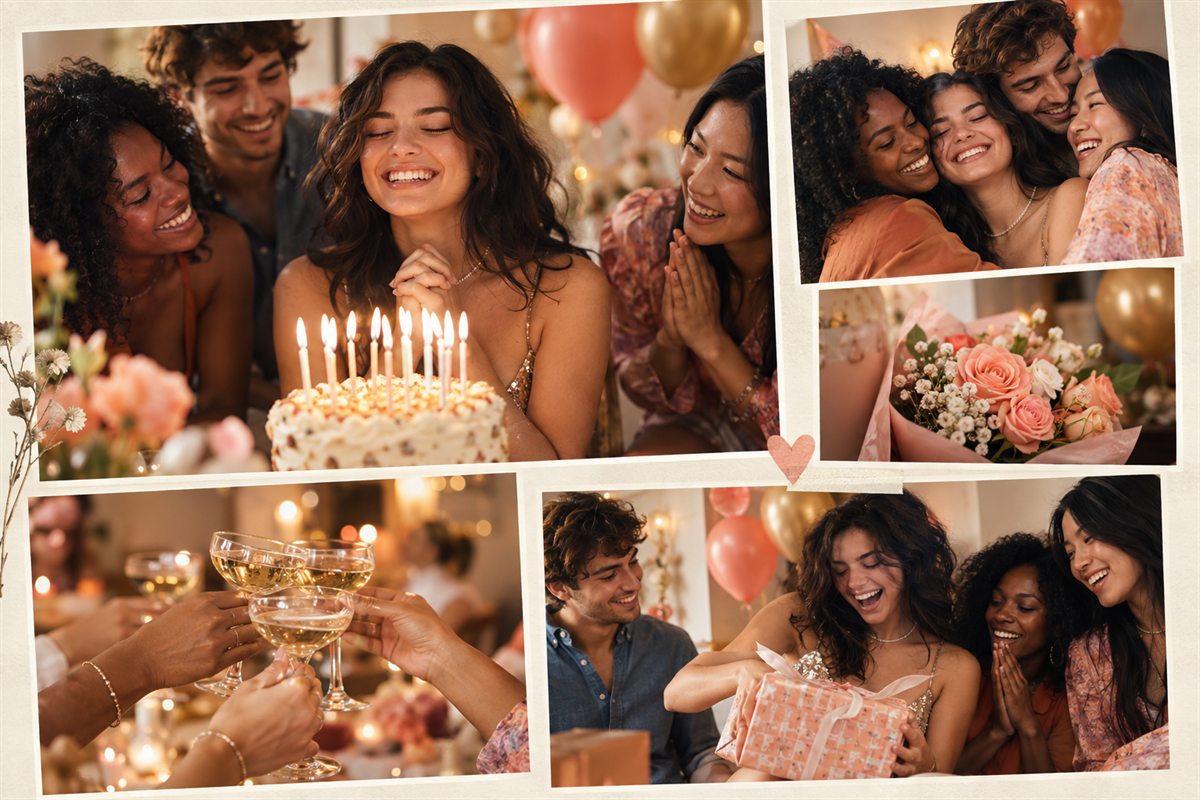
Mix one early photo with recent moments. A clear timeline makes the collage meaningful even to people who were not present for every memory.
Give the strongest portrait or party photo more space, then use smaller frames for cake, decorations, invitations, and candid reactions.
Use a tall layout for a phone story, an 8×10 composition for a frame, or a custom canvas for a card and digital message.
Yes. Pixemon can be used without creating an account.
Yes. Start with an 8×10 or 8×12 layout, export at high quality, and confirm your printer's paper and scaling settings before printing.
Four to six photos usually create a clear, balanced design. Use a custom collage when you need a larger memory board.
Choose the Magazine Mix template and replace each photo slot with a favorite memory.